CREATE 5 DIFFERENT TYPES OF PREMIUM LOGO ANIMATIONS WHILE EXPLORING THE BEST SOFTWARE FOR MOTION GRAPHICS-ADOBE AFTER EFFECTS
Beginner/Advanced - 6 Hours
You are going to learn the steps you have to take before animating a logo, how to get your logo ready for animation, add new graphics to it, make it work with your videos and pics, and so much more!
Enroll NowThis is what you will create along the course

Logo #1
Animating a logo for a sportswear brand
In this lesson, we're going to create a super cool logo animation for an made up women's sportswear brand, named Athena. We'll be making five different animated scenes and then connecting them together.

Logo #2
Animating a logo for a YouTube channel
In this lesson, we will be creating a funky logo animation for a made up Youtube channel, that can be used as a cool logo bumper. A logo bumper is a short animated sequence that serves as an introduction to a video or can be used as a transition from one scene to another.

Logo #3
Animating a logo for a tech company
In this lesson, we'll create an impressive logo animation for a fictional IT company, focused on data collection. The animation includes four key animated scenes, that we'll create individually, before stitching them together seamlessly with perfect timing. Throughout this lesson, we'll use a very handy built-in script in After Effects.

Logo #4
Animating a logo for a video war game
In this lesson, we will create a super cool logo animation for a made-up video war game. We will focus on learning the 3D world in After Effects and delve deep into the CINEMA 4D RENDERER feature. This animation consists of four main animated scenes. We will create each scene separately and then connect and time them together. We will also install a free plugin to help us create super cool neon stroke animation. Additionally, we will learn how to create exciting backgrounds using simple effects.

Logo #5
Animating a logo for an animal shelter
In this lesson, we will create an awesome logo animation for an imaginary wild animal shelter. We will delve deeply into the world of 3D space in AfterEffects and 3D camera movement. This type of animation is super popular, there will always be a company asking you to create an animation where all of its employees come together with the company's logo. However, to make our project more fun, we will work with images of animals instead. Besides learning about 3D space in After Effects, we will also learn how to build the project smartly so that you can easily change to a different image or add a new image without affecting the animation.
Bonus!
When you sign up for this course, you'll also get access to our private community and an access to a free beginner's guide to After Effects! It's a 20-lesson course that you can watch before starting this one if you want to get a better grasp of After Effects.
Learn More
Every new topic will be explained in a short and easy to understand way


What sets this courses apart from others and makes it unique?

To give you the best learning experience, you will get cues on when to sit back and just listen, and when it's your turn to take control and follow along with me
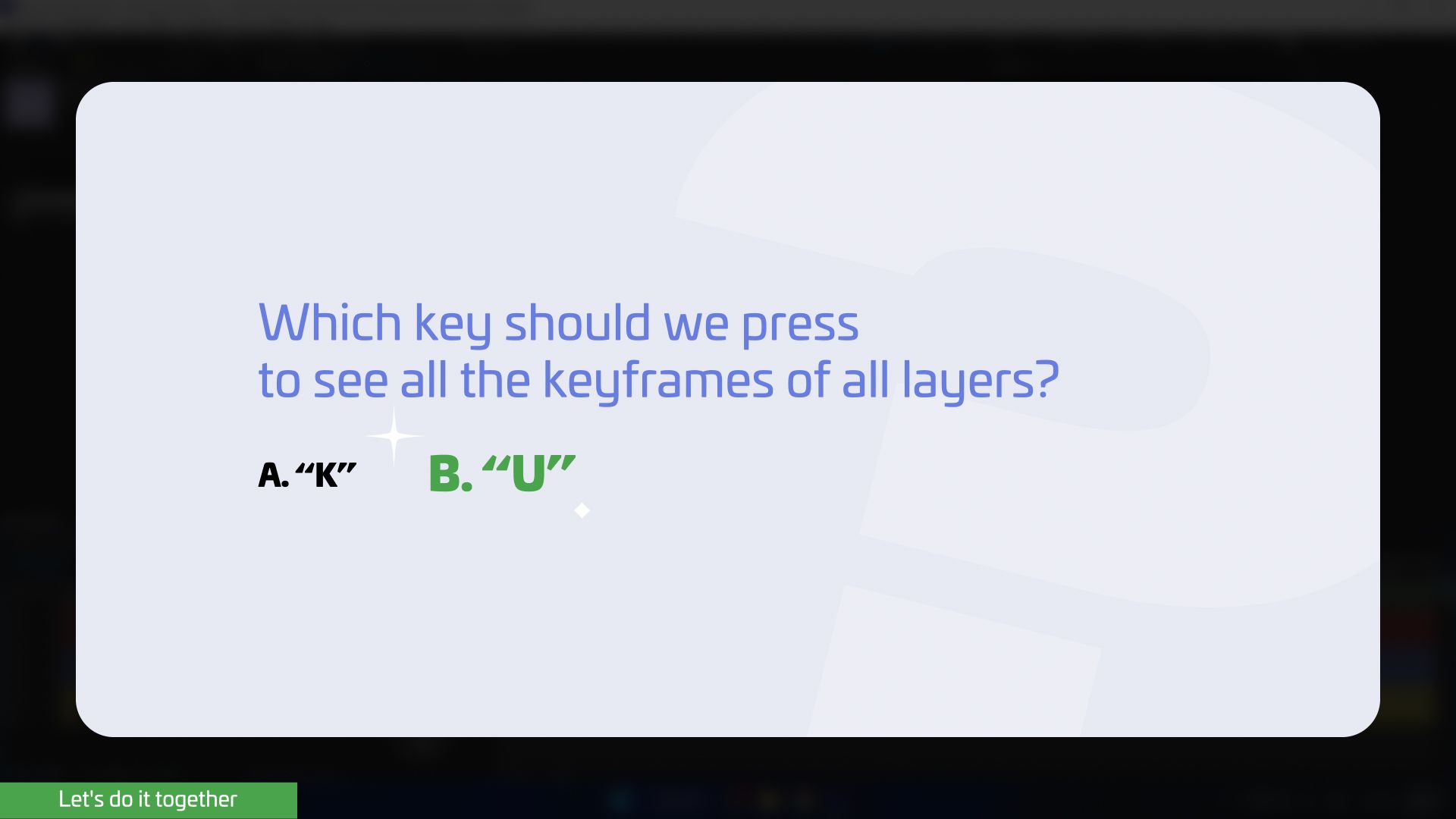
You’ll also get mid-lesson questions to help you memorize the lessons better, and to keep you engaged

This course is recorded on a PC computer, but don't worry, I will always provide instructions on how to perform the same actions on a Mac computer
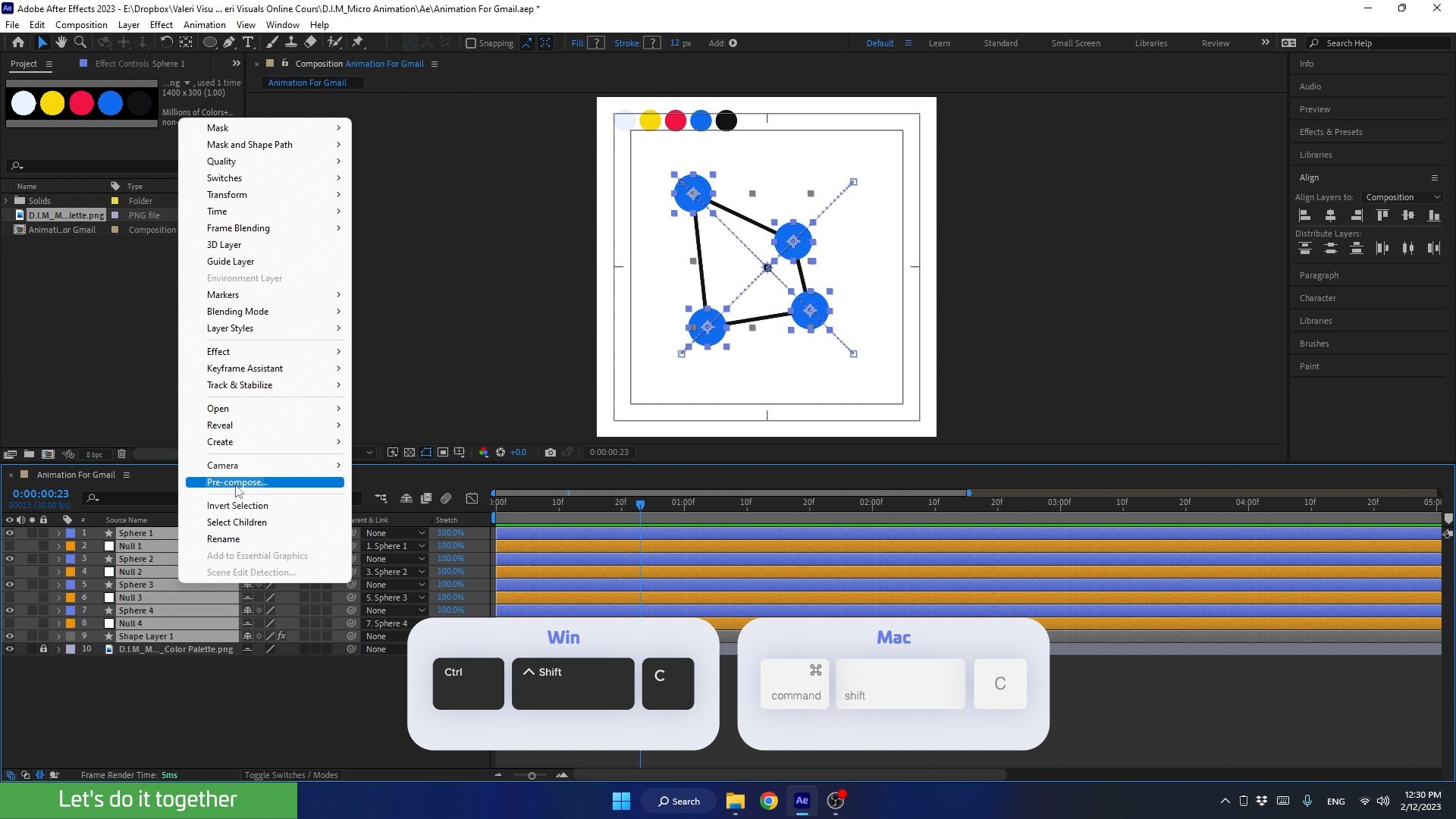
You will get instructions on performing shortcuts for both PC and Mac users

